

ATEN VM0202HB-AT-G
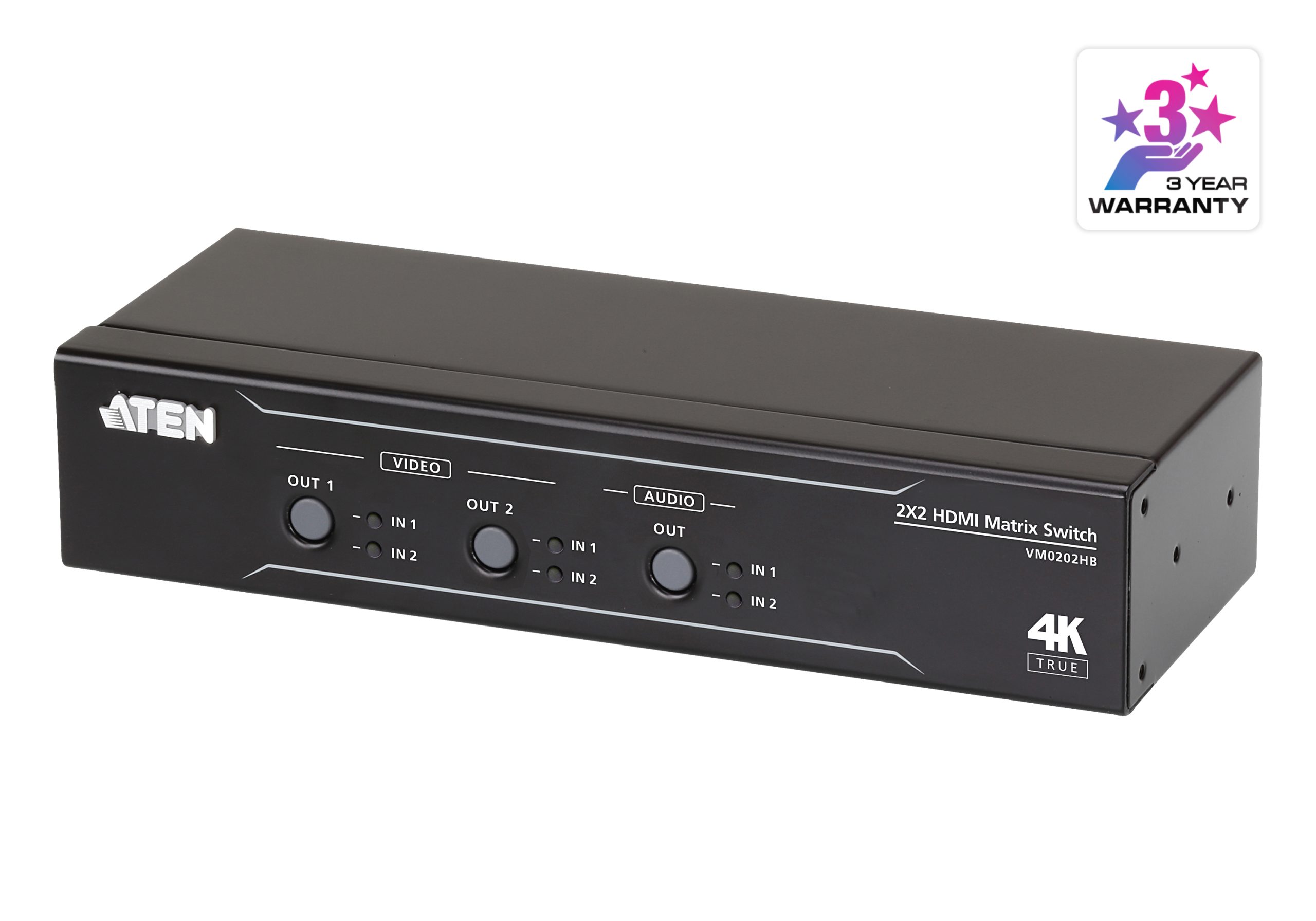
2×2 True 4K HDMI Matrix Switch with Audio De-Embedder

Ideal for Managing Content Across 2 Displays
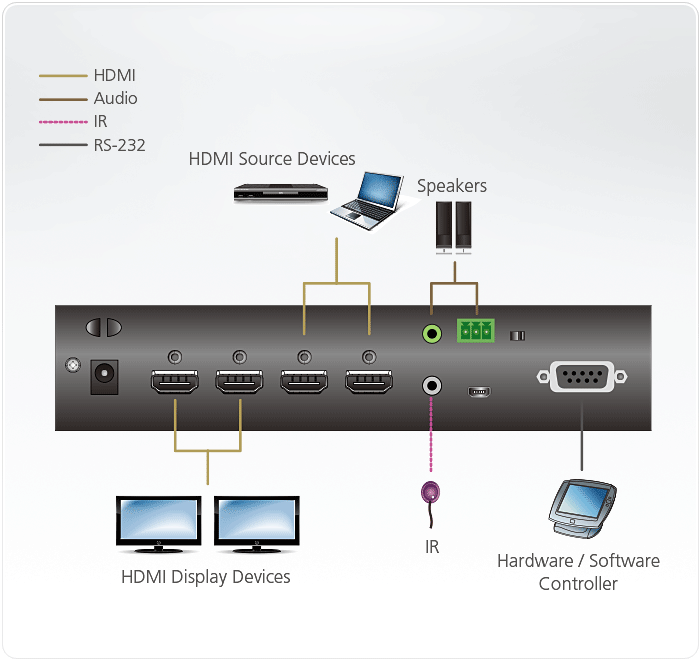
The VM0202HB is a compact 2 x 2 matrix switch compatible with HDMI source and display devices. Any input can be routed to any output, reducing the need for you to move devices or cables when displaying content from different HDMI sources on different outputs. It is ideal for meeting rooms and classrooms, as well as any venue where you need to switch between 2 different video sources on different displays.

Stunning Video Quality with True 4K, HDR
With support for up to 4096×2160@60Hz (4:4:4) resolutions, the VM0202HB delivers brilliant video quality with amazing detail. It is HDR-compatible and supports popular formats including HDR10+, Hybrid Log Gamma (HLG), and both static and dynamic HDR to deliver deeper blacks, brighter whites, and an extended color space.

Flexible Audio De-Embedding
The VM0202HB is designed with the audio routing flexibility to meet different application requirements. In a simple setup, HDMI audio can be connected and switched directly to display audio. For a more complex setup, HDMI audio can be de-embedded to Audio Line Out in order connect to your preferred in-room audio equipment.

Multiple Control Options for Easy Operation
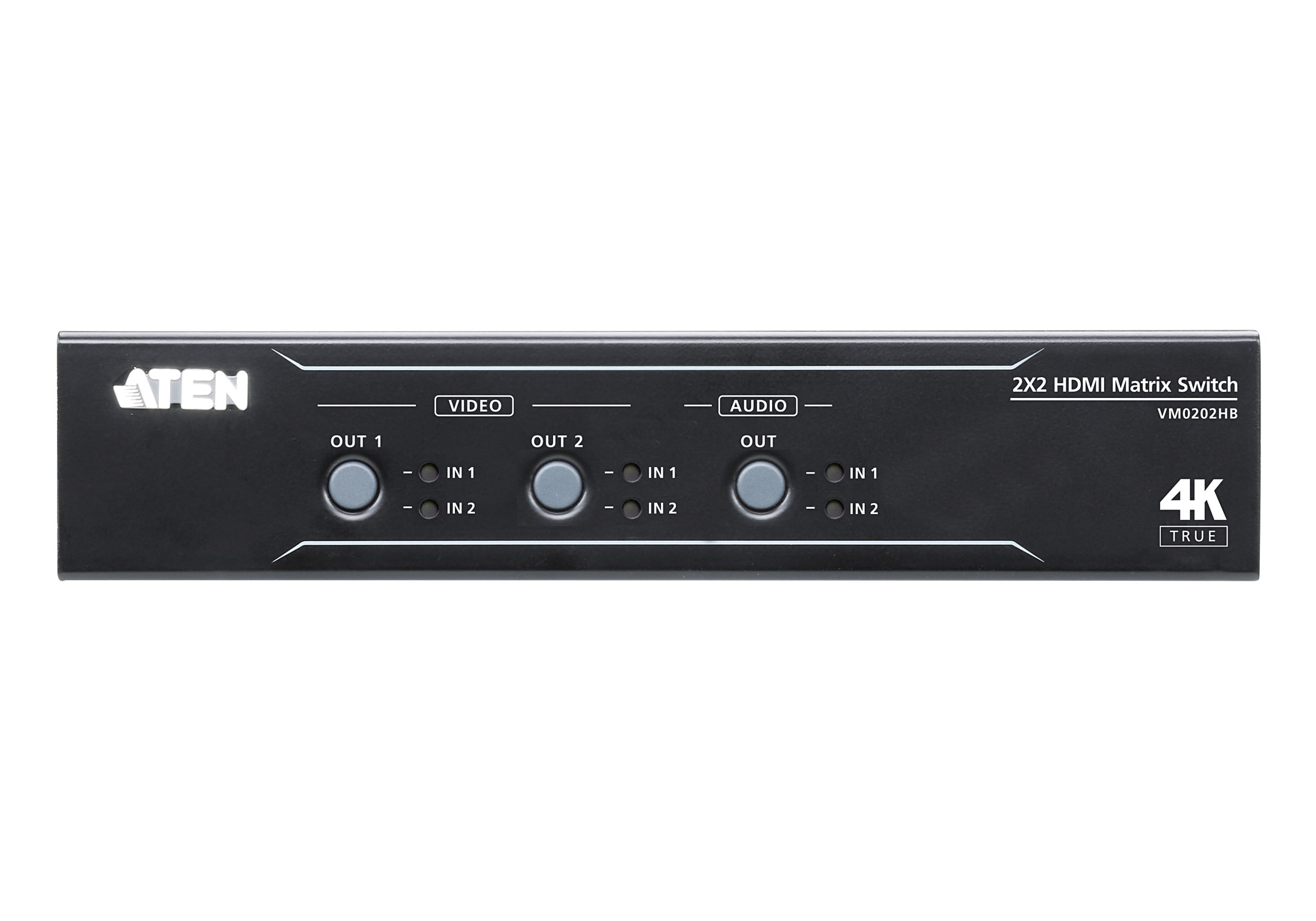
The VM0202HB offers both manual and remote control options to make your operations easy. You can switch inputs to outputs and adjust audio settings manually through front panel pushbuttons. For remote control, simply plug-n-play the IR receiver and the corresponding IR remote. In addition, you can even integrate VM0202HB with your preferred control interface via RS-232.

Fast and Convenient Auto Switching
The VM0202HB offers an auto switching function that makes operation more convenient for the user. This function can be set up via RS-232, and features two modes: Plugged Mode, which automatically detects and switches to a new source when connected; and Unplugged Mode, which automatically switches to the remaining source when the current display source is disconnected.

Specifications
| Video Input | |
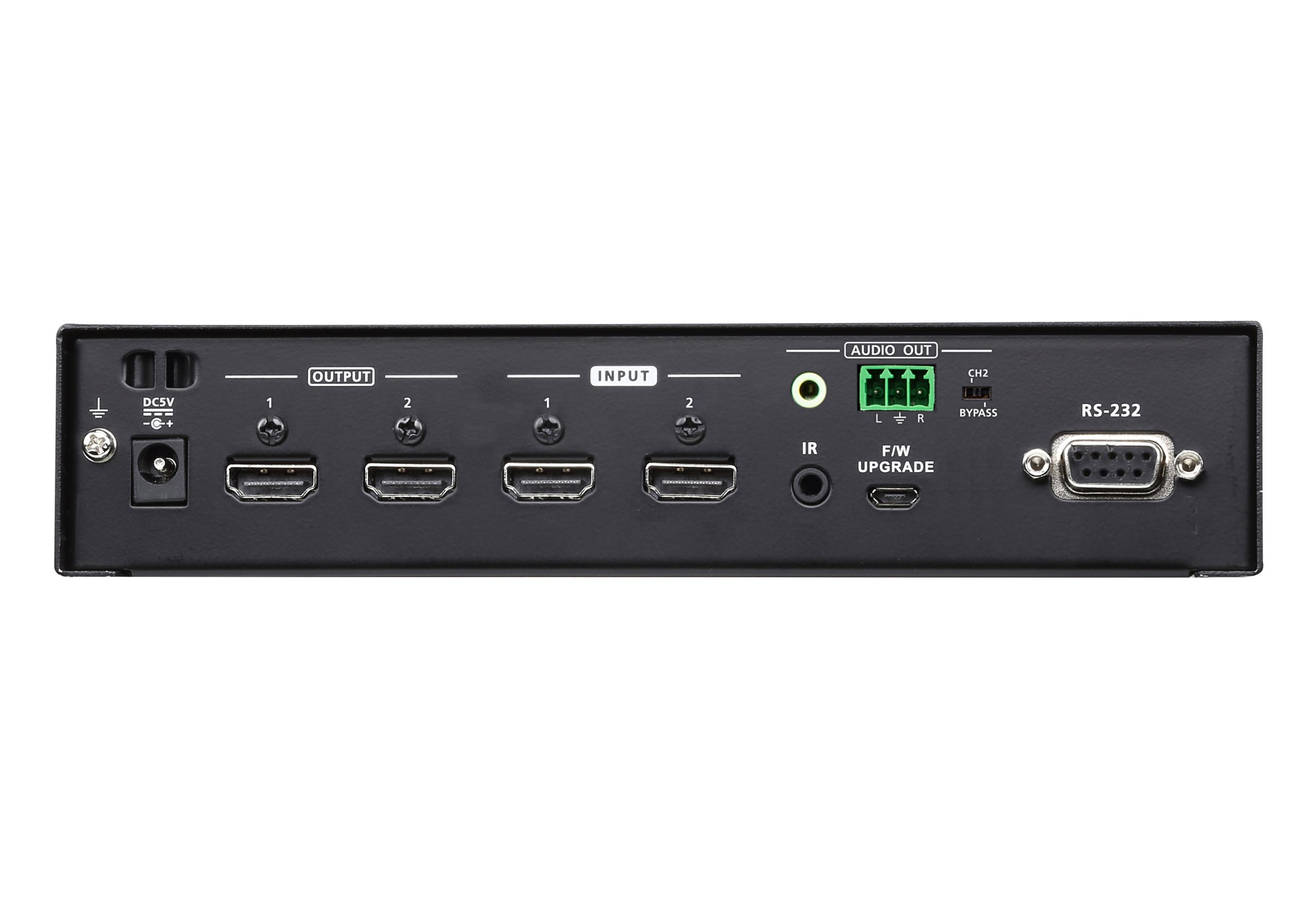
| Interfaces | 2 x HDMI Type A Female (Black) |
| Impedance | 100 Ω |
| Max. Distance | 5.0 m |
| Video Output | |
| Interfaces | 2 x HDMI Type A Female (Black) |
| Impedance | 100 Ω |
| Max. Distance | 5.0 m |
| Video | |
| Max. Data Rate | 18.0 Gbps (6.0 Gbps Per Lane) |
| Max. Pixel Clock | 600 MHz |
| Compliance | HDMI (3D, 4K, Deep Color) HDCP 2.2 Compatible Consumer Electronics Control (CEC) |
| Max. Resolution | Up to 4096 x 2160 / 3840 x 2160 @ 60Hz (4:4:4) |
| Max. Distance | Up to 5.0 m |
| Audio | |
| Output | 1x Mini Stereo Jack Female; 1x Captive Screw Connector, 3 pole |
| Control | |
| USB | 1 x Micro USB F/W upgrade |
| RS-232 | Connector: 1 x DB-9 Female (Black) Baud rate and protocol: Baud Rate: 19200, Data Bits: 8, Stop Bits:1, Parity: No, Flow Control: No |
| IR | 1 x Mini Stereo Jack Female (Black) |
| EDID Settings | EDID Mode: Default / Port1 / Remix |
| Connectors | |
| Power | 1 x DC Jack (Black) |
| Power Consumption | DC5V:2.47W:11BTU/h
Note: |
| Environmental | |
| Operating Temperature | 0-40°C |
| Storage Temperature | -20 – 60°C |
| Humidity | 0 – 80% RH, Non-Condensing |
| Physical Properties | |
| Housing | Metal |
| Weight | 0.60 kg ( 1.32 lb ) |
| Dimensions (L x W x H) | 20.00 x 7.60 x 4.20 cm (7.87 x 2.99 x 1.65 in.) |
| Carton Lot | 5 pcs |
| Note | For some of rack mount products, please note that the standard physical dimensions of WxDxH are expressed using a LxWxH format. |
Datasheet
vm0202hb_video_matrix_switch_ds_en.pdf (781.81 KB)
User Manual
| File Name | Release Date |
| vm0202h-vm0202hb-user-manual-w.pdf (2.58 MB) | 2023-07-07 |